A starting point for your workflow
Choose the tools that suit your process. You do not need every option.
Website preview 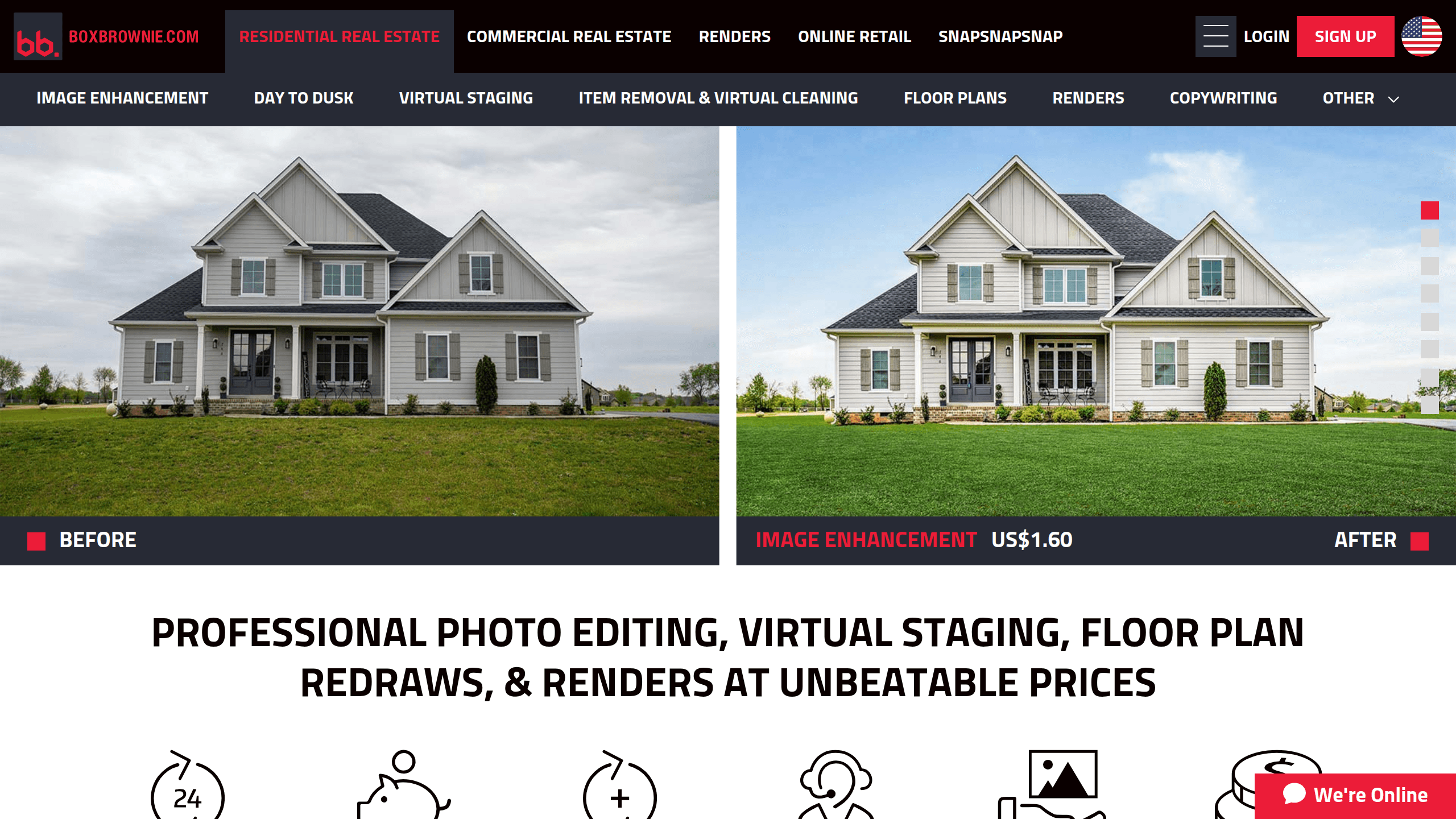
Step 1Prepare the photographs
BoxBrownie offers professional photo editing, virtual staging, floor plan redraws, and CGI renders with fast 24-hour turnaround and no subscriptions.
Start with still-image presentation. Compare the edited images with the originals and confirm any staging disclosures before publication.
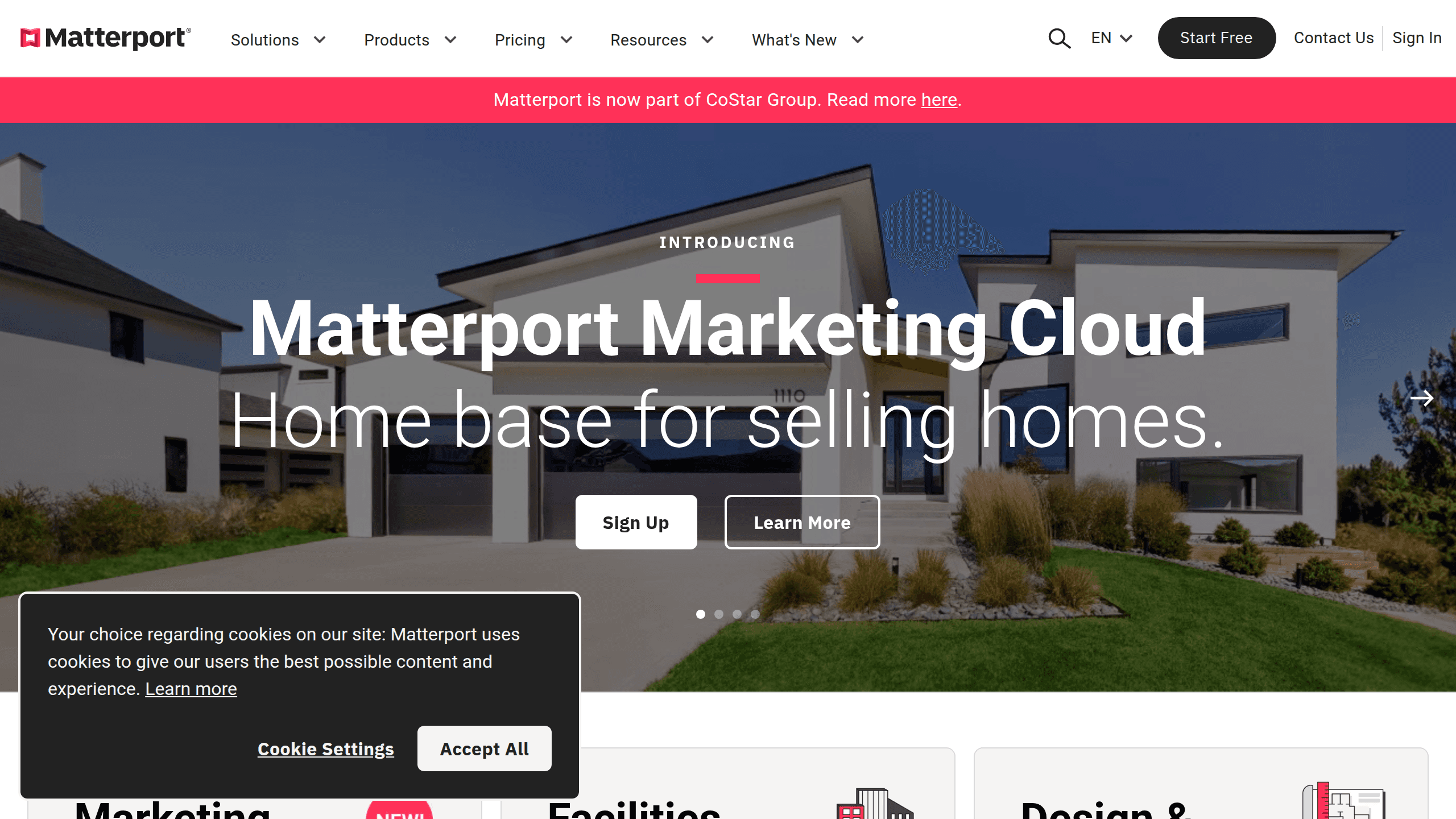
Step 2Offer a remote viewing
Transform your real estate business with Matterport's 3D cameras and virtual tour software for stunning digital experiences.
Consider an immersive viewing after preparing the listing media. Check capture requirements, active hosting limits and where the tour can be embedded.
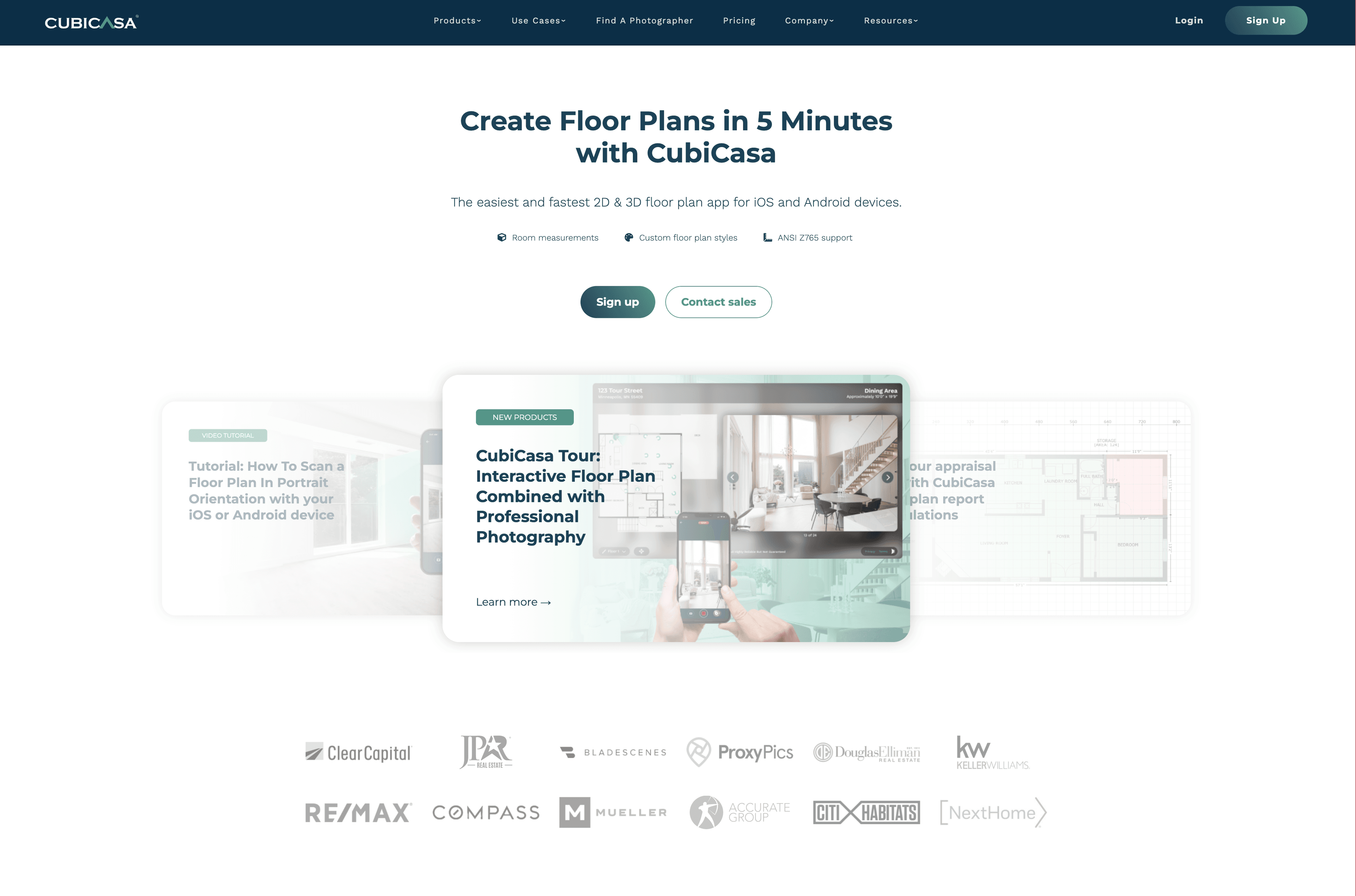
Step 3Explain the layout
Create floor plans and related property-marketing assets from a smartphone property scan.
Add spatial context alongside the photographs. Confirm measurement accuracy and the output requirements for your listing.
Confirm current plans, output requirements and market compatibility with each provider. Inclusion is editorial context, not an endorsement.
